









Advertisement
Advertisement
Advertisement
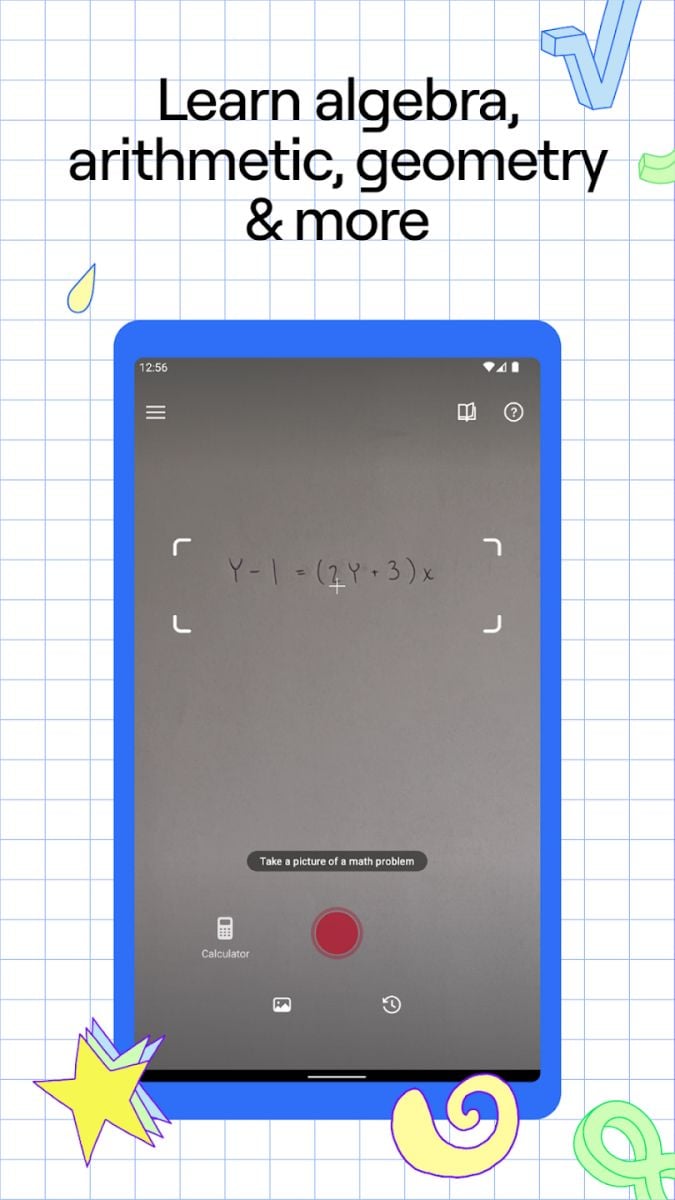
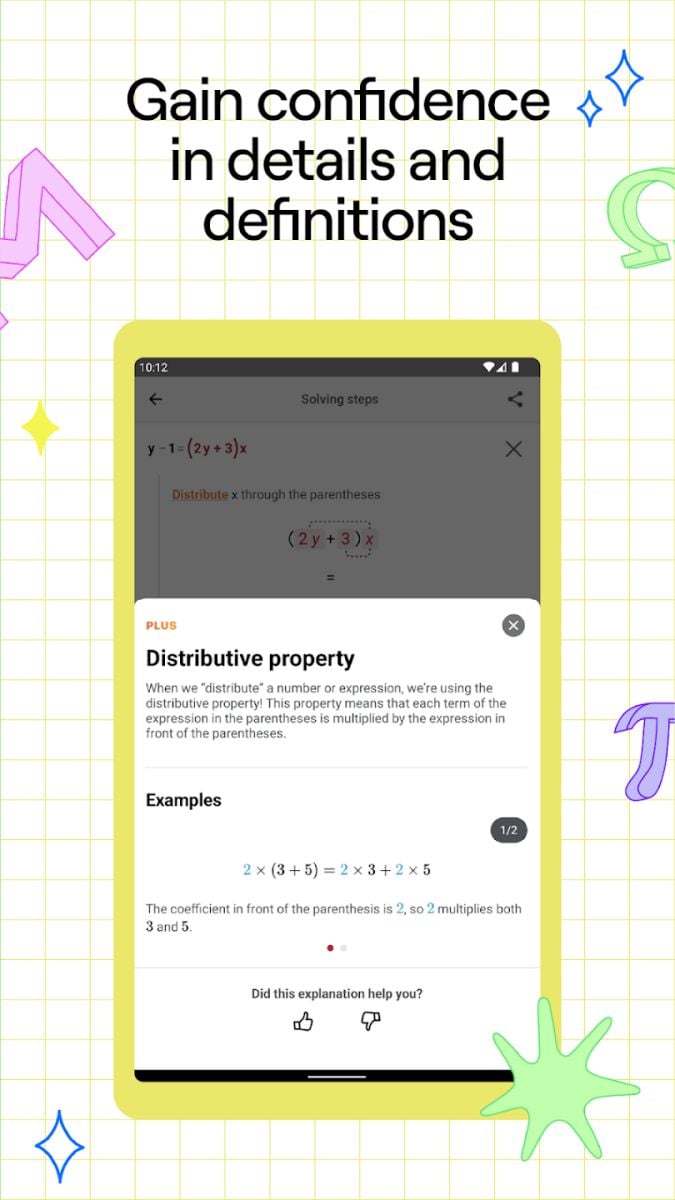
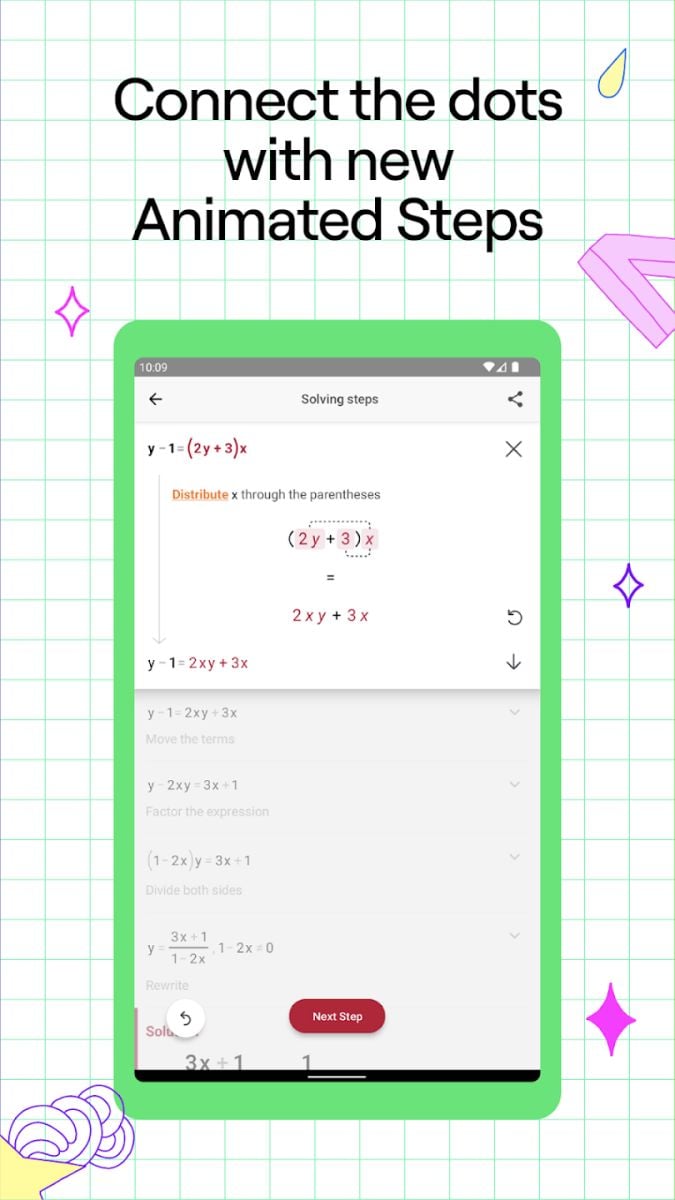
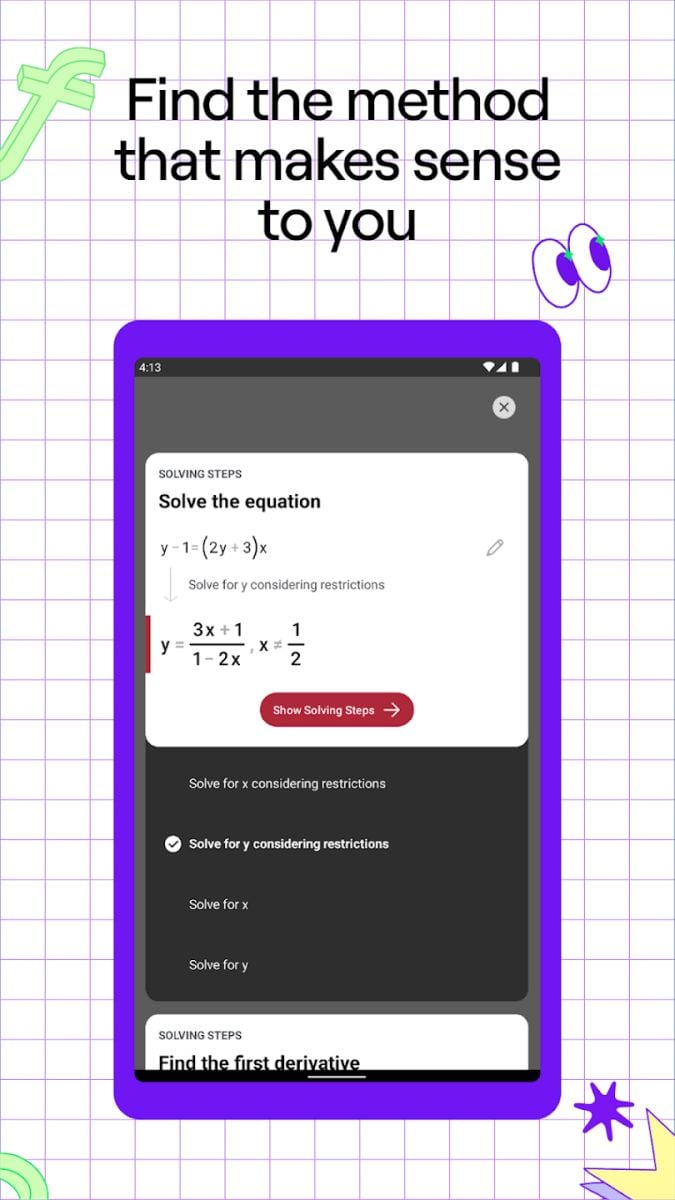
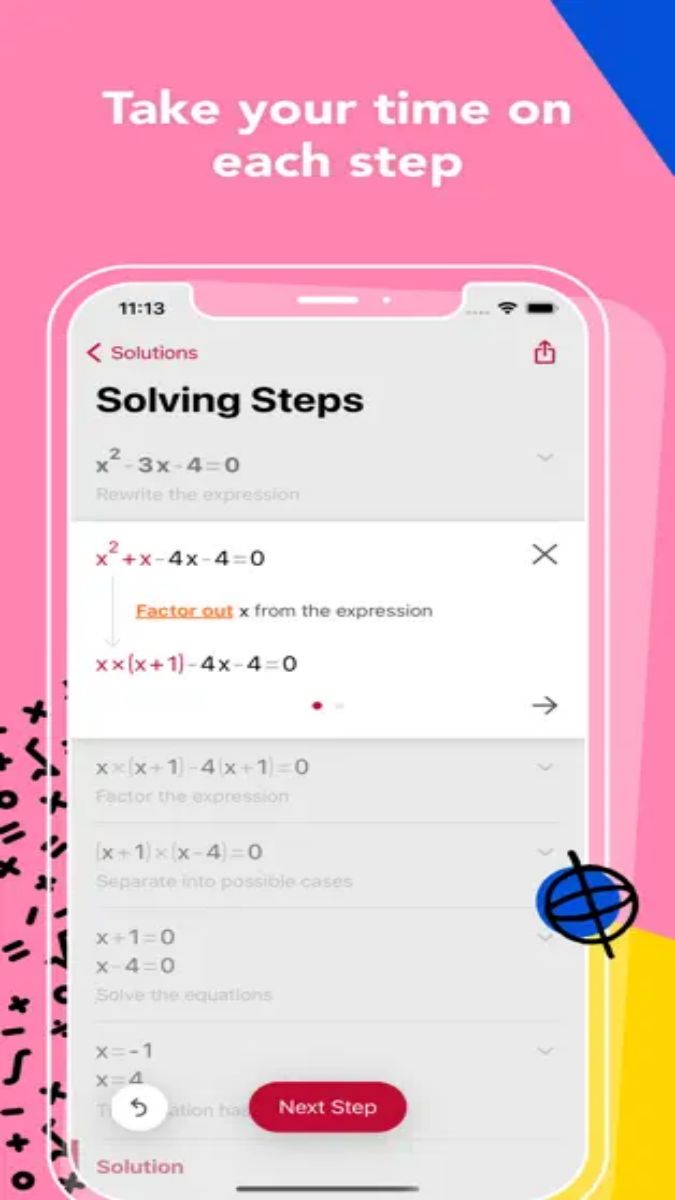
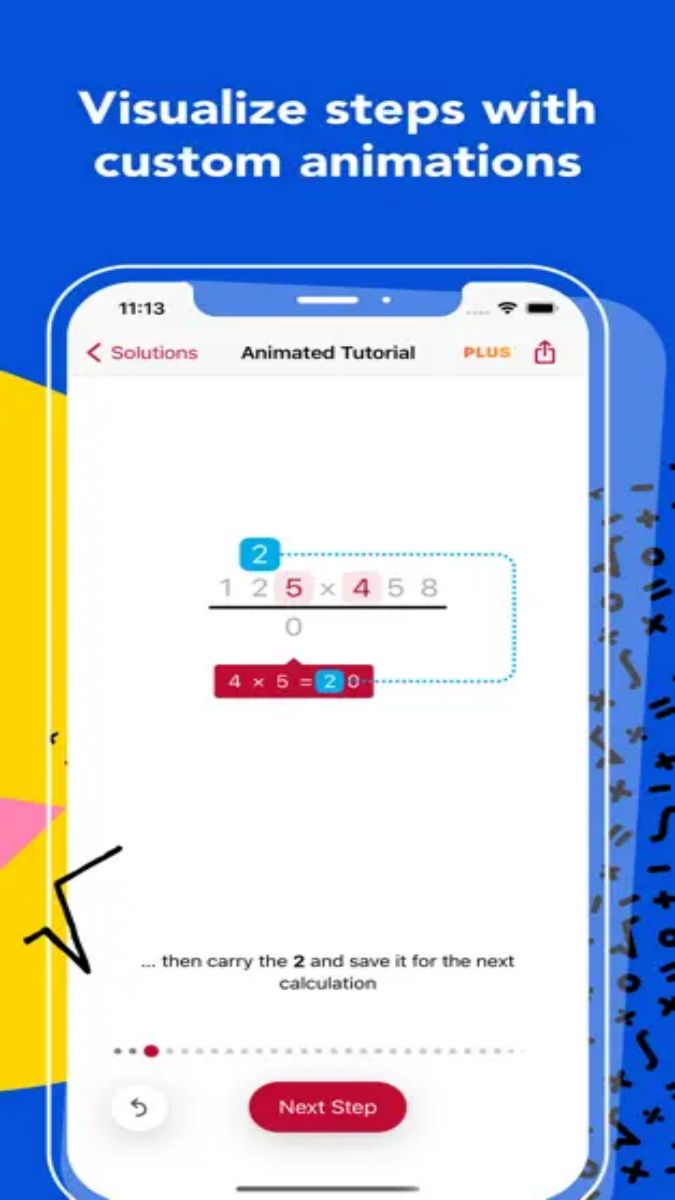
Photomath is a powerful math problem-solving tool designed to help students and parents solve math problems. By scanning math problems with the phone camera, Photomath can quickly identify and provide detailed solution steps. Whether it is simple arithmetic or complex calculus, this app can provide users with accurate answers and clear analysis processes. With its efficient and convenient features, Photomath has become a powerful assistant for math learners around the world.
Instant answers: Scan math problems with the camera to quickly get answers and detailed steps.
Multiple math types: Support arithmetic, algebra, geometry, trigonometric functions, calculus and other math problems.
Detailed analysis: Provides each step of the problem-solving process to help users understand the problem-solving method.
Handwriting recognition: Not only supports printed, but also recognizes handwritten math problems.
Multi-language support: The interface and analysis process support multiple languages, sui for global users.
How to use
Allow permissions: The app needs to access your device camera. When you open the app for the first time, the system will prompt you to grant the corresponding permissions, just click "Allow".
Open the camera: After entering the app, the main interface will automatically open the camera. Point your math problem at the camera so that it appears in the red box on the screen.
Take a picture of the problem: Make sure the problem is clearly and completely in the red box, and click the capture button. Photomath will automatically recognize the problem and display the solution.
View the solution steps: Click the "Steps" button at the bottom of the screen to view the detailed solution process for each step. Photomath will analyze the problem step by step to help you understand the logic and method of each step.
Use a calculator: If the problem is complex or the camera cannot recognize it, you can use the apps built-in calculator to manually enter the problem. Click the calculator icon at the bottom of the main interface, enter the problem and click "Solve".
View the solution process: Just taking a picture of the problem, manually entered problems will also display detailed solution steps. You can view each step step by step to understand the solution ideas.
Save the solution: For important or complex problems, you can save the solution process. Click the "Favorite" button in the upper right corner of the solution page for easy viewing and review later.
History: Photomath will automatically save your recent solution records. Click the "History" button at the bottom of the main interface to view the recently solved problems and solution processes.
Graphing calculator: Photomath has a built-in graphing calculator that supports graphing functions. Enter the function expression and click the "Graph" button to see the function graph and related information.
Solving systems of equations: The app supports solving systems of equations. Enter multiple equations and Photomath will solve them at the same time and provide detailed solution steps.
Multi-language support: the language that suits you in the settings, and the app interface and solution process will be displayed in the ed language, making it easier to understand and learn.
Parent tutoring: Photomath is a great helper for parents to help their children learn mathematics. Parents can use the app to quickly solve their childrens math problems and help their children understand the problems through detailed analysis.
Teacher assistance: Teachers can use Photomath to check students homework, quickly get the solution steps, and show and explain the solution process in class.
Photomath is a powerful and easy-to-use math problem-solving tool that quickly provides detailed solution steps by scanning with a camera or manually entering the problem to help users understand and master math knowledge. Whether you are a student, parent or teacher, Photomath can provide you with efficient math learning and problem-solving support. I hope this article can help you better understand and use the Photomath app, improve your math learning results, and achieve your learning goals.