









Advertisement
Advertisement
Advertisement
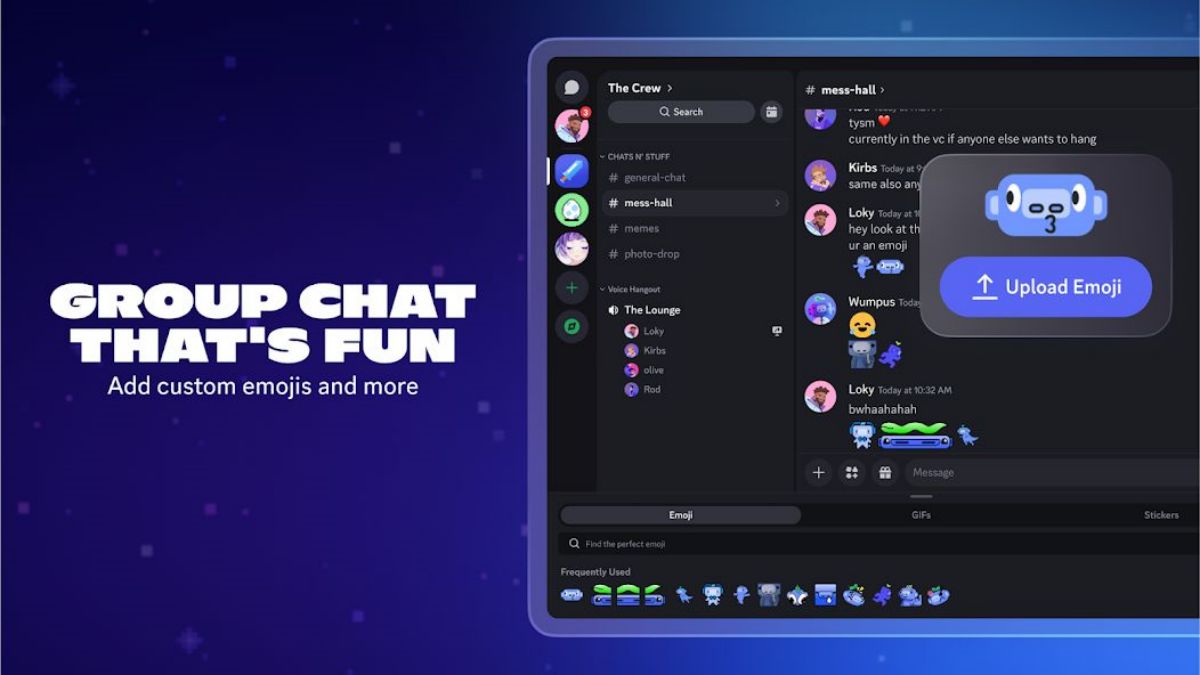
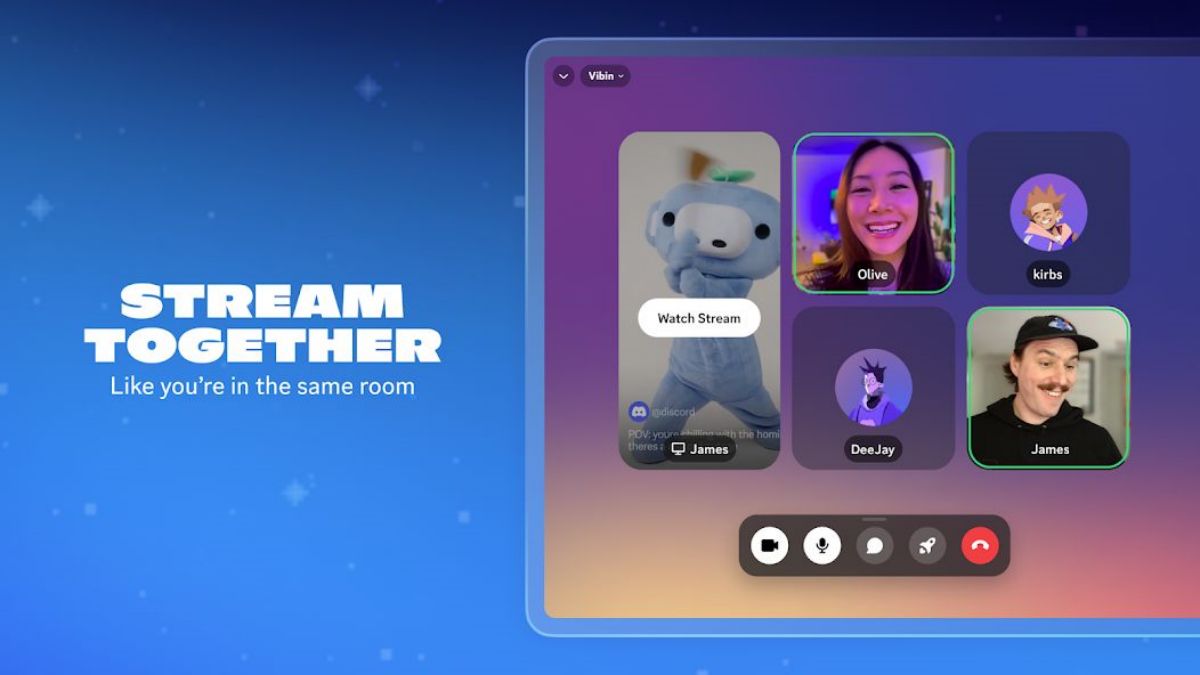
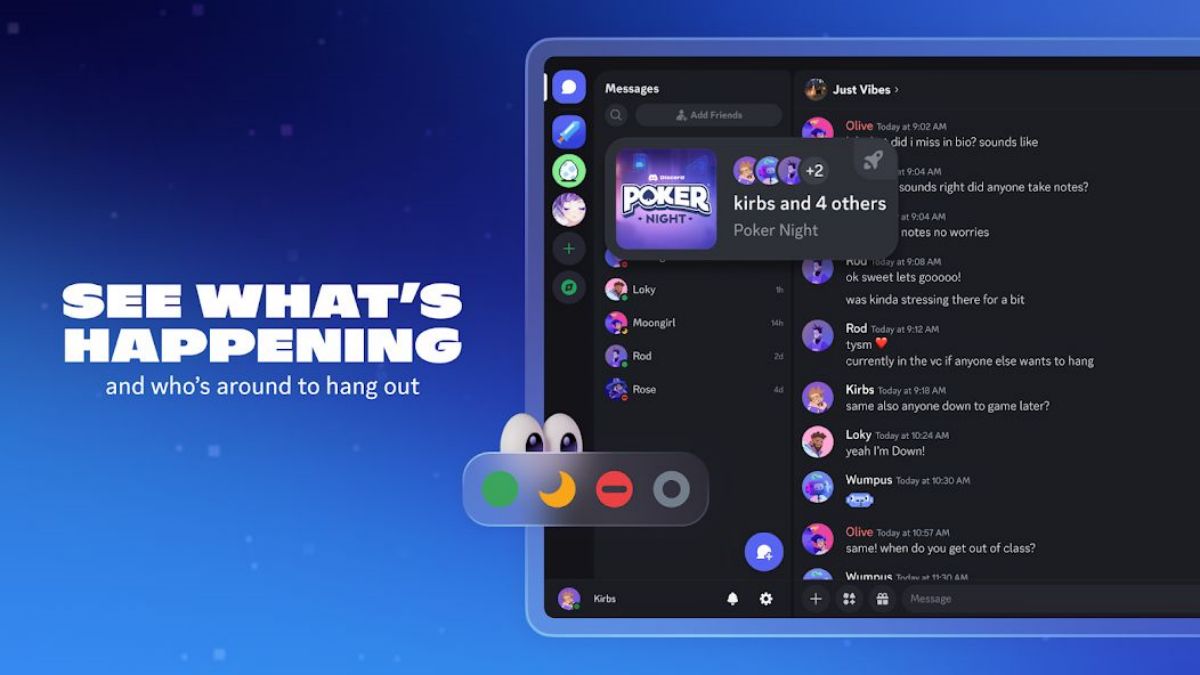
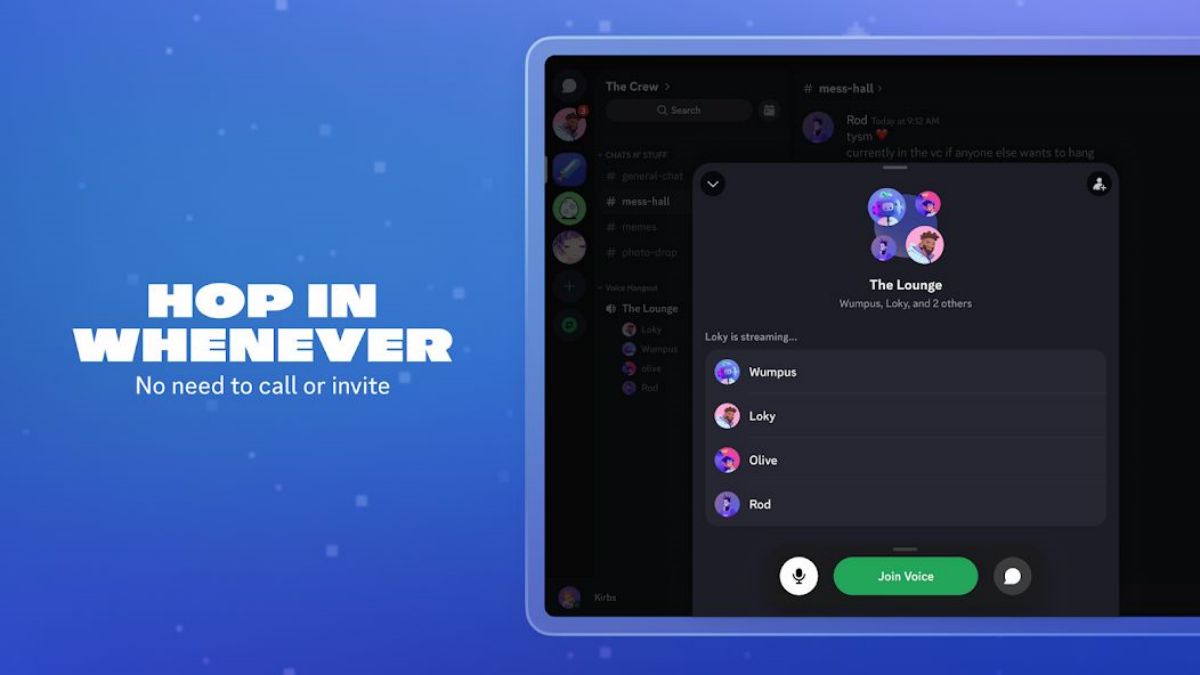
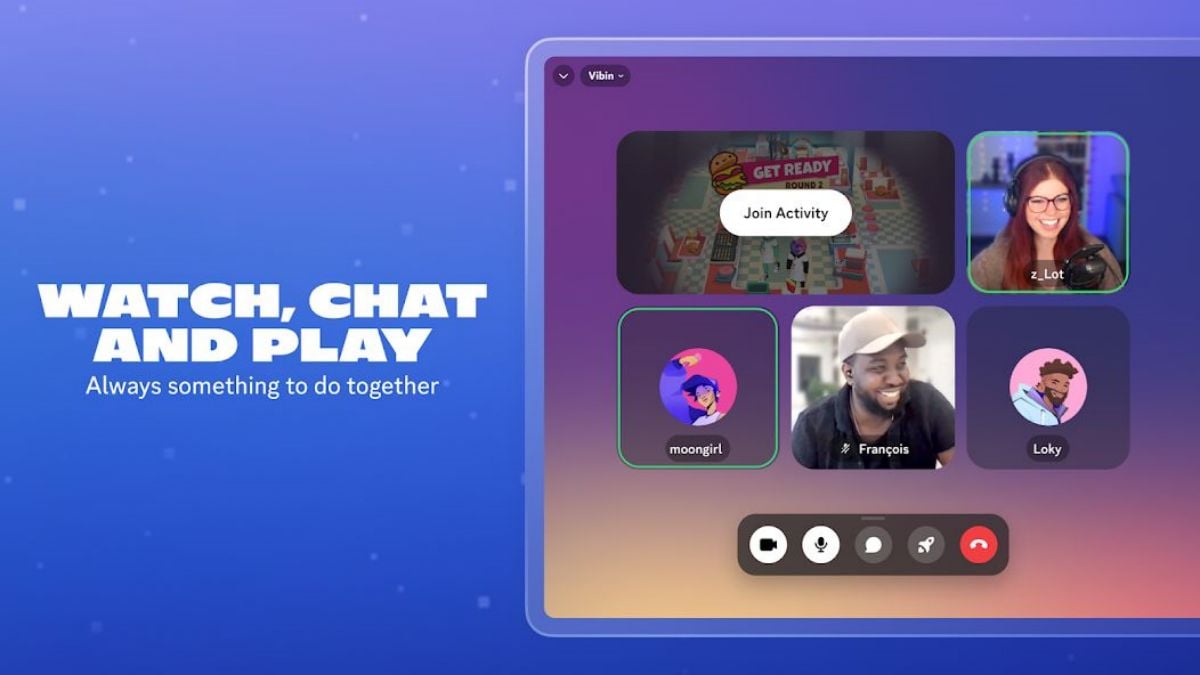

Discord, the comprehensive communication platform that has taken off since 2015, has quickly won over countless users worldwide with its unique chat, gaming, social and community features. It is not only a playground for gamers, but also ideal for enthusiast communities, student groups and work teams. Below is an in-depth look at Discords functionality and a comprehensive overview of its special features.
Features
Servers and Channels: The Building Blocks of Communication
Discords core architecture consists of servers and channels. Users can create or multiple servers, each of which can be subdivided channels. These channels are categorized text channels, which are used for text communication and file sharing, and voice channels, which are used for real-time voice calls. Users can create different channels based on the topic of discussion to ensure organized and targeted communication.
High-quality voice and video calls: no boundaries
Discord offers high-quality voice and video calling, ideal for gaming and other real-time interactions. Voice calls feature low latency and high sound quality, while video calls support multiplayer conference modes, perfect for team collaboration or distance learning. In addition, Discord offers screen-sharing features that make it easy for users to share content on the desktop or in specific windows.
Rich Text and Multimedia Support: Colorful Communication
Discords text channel supports sending multiple types of content, including images, GIFs, videos, files and more. It supports Markdown syntax, which makes text formatting simple and easy, such as bolding, italicizing, and adding links. Users can also directly display YouTube videos, Twitch live streams, and other content through the embed feature, making chats more lively and colorful.
Bots and integrations: the appeal of automated assistants
One of the highlights of Discord is its support for bots. Users can add a variety of functional bots to their servers, which are capable of performing automated tasks such as user management, notification delivery, music playback, etc. Discords API and third-party development libraries make bot development and integration easy, and users can customize the bots functionality to suit their needs.
Role and Permission Management: Balancing Order and Freedom
Discord provides a flexible role and permission management system. Server administrators can assign different roles to users, each with different permissions. For example, the administrator can create the role of "Moderator", giving him/her the right to manage channels and users, while restricting certain actions to normal users. In this way, the server can maintain order while meeting the needs of different users.
Nitro Subscription Service: Enjoy more possibilities!
Discord offers a Nitro subscription service, which allows users to subscribe to gain access to additional features and privileges, such as higher-quality video calls, larger file upload limits, more customizable emoticons and badges, etc. Nitro also allows users to upgrade their servers and unlock more server privileges.
Security and Privacy: A Fortress to Guard Users
Discord places a high priority on user security and privacy, offering a variety of security setting options. Users can set up two-factor authentication (2FA) to enhance account security, and server administrators can maintain server security by setting up firewalls and anti-spam bots. In addition, Discord offers detailed privacy settings that allow users to control who can see their online status and send messages.